The modern enterprise runs on software. From Customer Relationship Management (CRM) platforms like Salesforce, to accounting solutions, marketing tools, and team collaboration systems, organizations rely on an ecosystem of different applications. While this multi-app environment drives productivity, it also creates a serious challenge: fragmented data and broken workflows.
To solve this, businesses adopt integration strategies. Traditionally, this has been achieved through single connectors, basic point-to-point integrations linking one app to another. But as businesses scale, this old model quickly shows its cracks. With countless apps in play, single connectors create a web of complexity.
Enter the Multi-App Integration tool, a smarter approach that allows multiple systems to seamlessly communicate, automate, and exchange data. Tools like MultiSync Made Easy don’t just help businesses connect systems—they empower organizations to scale, streamline processes, and eliminate inefficiency.
In this blog, we’ll break down the key differences between single connectors and multi-app connectors, highlight the role of native ETL tools, and explain why businesses that choose multi-app integration solutions inevitably come out ahead.
Over the last decade, there’s been an explosion of SaaS (Software as a Service) applications. The average mid-sized enterprise uses between 100–200 apps for different functions from HR and finance, to marketing and operations. While each tool adds value, the lack of communication between them creates silos.
For example:
Without integration, these tools live in isolation. Teams duplicate work, data errors increase, and leadership lacks an accurate, real-time view of performance.
Some companies turn to Native ETL Tools (Extract, Transform, Load) for help. These batch-processing systems pull data from one source, transform it, and push it into a data warehouse. While useful for reporting, they fall short when businesses need real-time workflow automation across multiple apps.
This is where a powerful integration strategy becomes essential.
At their core, single connectors are the simplest form of integration: connecting one app to another. Think of them as bridges, direct connections that allow two systems to exchange data.
Examples of single connectors include:
Scalability issues: As apps multiply, the number of connectors grows exponentially.
Maintenance burden: Each connector requires ongoing updates to stay compatible with API changes.
Data silos persist: Connectors only solve one problem at a time, leaving the bigger integration picture unfinished.
Limited automation: They rarely support complex workflows across three or more systems.
This point-to-point approach works until businesses grow and suddenly find themselves managing dozens or even hundreds of fragile connectors.
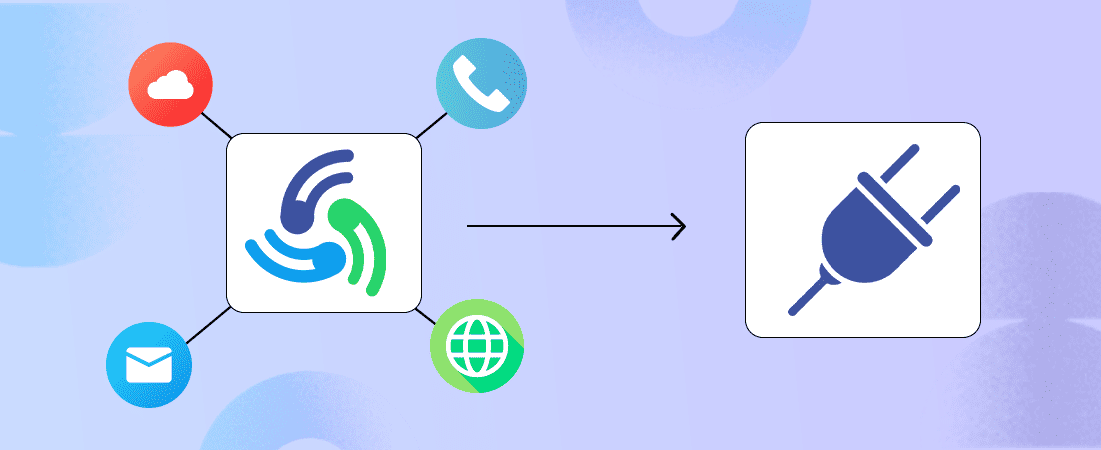
A Multi-App Integration tool takes a fundamentally different approach. Instead of building separate bridges for each pair of apps, it establishes a central hub where all applications connect at once. This hub (or multi-app connector) allows for seamless multi-directional interactions in real time.
Consolidation: One platform powers all workflows.
Visibility: Businesses get a clear, real-time picture of data across apps.
Faster automation: Multi-app tools support if/then workflows across several apps at once.
Future-proofing: New apps can be added to workflows without breaking old ones.
It’s important to distinguish between Multi-App Integration tools and Native ETL Tools. While both aim to move and transform data, they serve different purposes.
For example, if a business just wants a quarterly sales report, an ETL tool works fine. But if they want Salesforce deals to instantly sync with Slack, marketing automation platforms, and billing software, an ETL won’t cut it. A multi-app integration tool is required.
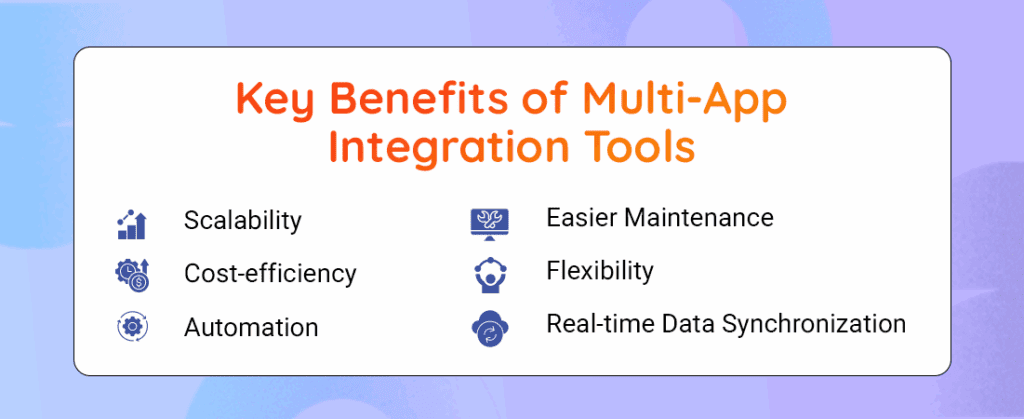
Scalability: As businesses grow, so do their applications. A multi-app integration tool supports expansion without chaos.
Cost-efficiency: Instead of paying for multiple connectors for each integration, businesses invest in one platform that handles them all.
Automation: From lead nurturing to invoice creation, multi-app workflows automate repetitive processes across all departments.
Easier Maintenance: Unlike dozens of single connectors, one centralized integration hub is simpler to maintain and update.
Flexibility: New apps can be easily added or swapped out without system overhauls.
Real-time Data Synchronization: Teams work with accurate, always-updated data, reducing mistakes and improving decision-making.
Deep-Dive: Salesforce Example
Salesforce is one of the most widely used systems for sales and customer management. Many businesses start with a standalone Salesforce Integration tool, but eventually run into limitations.
Individually, these connectors work, but together they form a messy, fragile web that’s hard to monitor.
MultiSync acts as a multi-app connector that centralizes Salesforce integrations. Instead of building multiple point-to-point bridges, Salesforce connects once to MultiSync, and MultiSync distributes that data to all relevant systems.
Example: A new opportunity in Salesforce can simultaneously:
This approach is faster, cleaner, and infinitely more scalable.
MultiSync isn’t just another integration software; it’s a Multi-App Integration tool built to handle the complexity of modern enterprises. By functioning as a multi app connector, it allows businesses to unify their entire SaaS ecosystem in one place.
Marketing & Sales Alignment: Syncing Salesforce with HubSpot, Slack, and Google Ads to streamline campaigns.
Finance & Operations: Automatically pulling sales data from CRM into accounting systems, avoiding manual entry.
Customer Support Automation: Instantly updating Zendesk tickets with CRM or billing information.
The result is fewer IT bottlenecks, faster implementation, and streamlined workflows that actually support business growth.
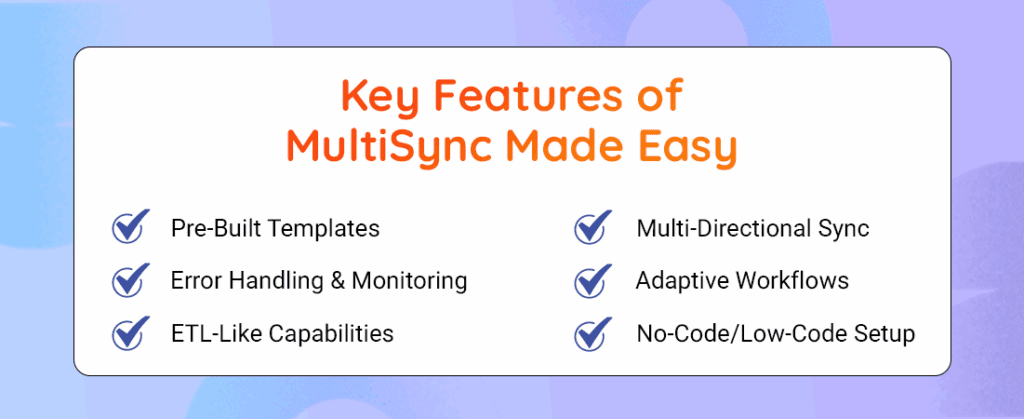
No-Code/Low-Code Setup: MultiSync allows even non-technical users to build and manage integrations easily, eliminating dependency on developers.
Multi-Directional Sync: Instead of one-way data transfer, it ensures information flows smoothly in all directions across connected apps.
Pre-Built Templates: Comes with ready-to-use connectors for popular apps like Salesforce, HubSpot, and QuickBooks, saving setup time.
ETL-Like Capabilities: Provides data mapping and transformation features similar to a Native ETL tool, but in a more user-friendly way.
Error Handling & Monitoring: Offers real-time alerts and tracking so users can detect and fix integration issues quickly, ensuring clean and reliable data.
Startup Struggle with Single Connectors: A SaaS startup relied on single connectors to sync Salesforce with Mailchimp and QuickBooks. As the team scaled, connectors broke under load, causing duplicate leads, billing errors, and lost productivity.
Enterprise Transformation with MultiSync: A mid-sized enterprise implemented MultiSync, centralizing integrations across 50+ apps. Departments gained real-time insights, automated invoicing, and marketing-to-sales alignment. IT costs reduced by 30% as maintenance headaches vanished.
The SaaS ecosystem is only growing more complex. Businesses adopting more specialized apps will need advanced integration tools to keep workflows efficient. Artificial intelligence will play a key role in making integrations smarter, predicting workflow needs, automapping data fields, and correcting errors.
Multi App Connectors, not Native ETL Tools, will become the backbone of real-time enterprise automation in the next decade.
Final Comparison Table
| Feature | Single Connector | Multi-App Integration Tool |
|---|---|---|
| Scalability | Low — creates spaghetti effect | High — centralized hub |
| Maintenance | Complex and brittle | Simple, unified |
| Cost | Increases with every new app | Predictable, single platform |
| Real-time data | Limited or delayed | Strong, live sync |
| Automation | Basic, one-to-one | Complex, cross-app |
| Flexibility | Difficult to adapt | Easily add/remove apps |
Businesses today cannot afford to rely solely on single connectors. While simple and cheap for early-stage needs, they become bottlenecks as organizations scale. Multi-App Integration tools deliver scalability, cost savings, and powerful automation that single connectors can never match.
Whether it’s syncing Salesforce with dozens of other systems, or building real-time workflows that span marketing, finance, and operations, a multi app connector like MultiSync Made Easy ensures reliability, flexibility, and growth-readiness.
Step ahead with our robust and intelligent app that instantly integrates multiple platforms — even the unknown ones!